How to Choose a Free Email Service? 2026 Guide
Looking for a new email account? This comprehensive 2026 guide breaks down how to choose the best free email service based on storage, security features, spam filtering, and usability.
How to Choose a Free Email Service? The Ultimate 2026 Guide
In 2026, an email address is much more than just a tool for sending digital letters. It is your passport to the internet—the foundational anchor for your social media profiles, online banking, streaming subscriptions, and professional communications.
Because your entire digital footprint relies heavily on this single account, choosing the right provider is critical. While there are countless options available, not all free email platforms are built equally. Some offer massive storage but compromise your privacy, while others provide ironclad security but limit user features.
If you are looking to create a new account or migrate from an old one, here is a detailed, step-by-step breakdown of how to choose a free email service that perfectly fits your needs.
1. Storage Capacity and File Limits
One of the first practical features you must evaluate is the provided storage quota. In today's media-heavy world, small mailboxes fill up instantly with high-resolution photos, massive PDFs, and workplace attachments.
Shared vs. Dedicated Storage: Many modern providers (like Google) offer a shared pool of storage (e.g., 15 GB shared across Gmail, Google Drive, and Google Photos). If your cloud storage is full, your email stops working.
Attachment Size Limits: Ensure the platform allows you to send and receive files up to at least 25 MB per email, which remains the global standard.
2. Privacy Policies and Data Practices
There is an old saying in technology: "If you aren't paying for the product, you are the product." This is incredibly relevant to free email services.
Ad-Supported Webmail: Mainstream free providers often scan the metadata or contents of your emails to build user profiles and serve targeted advertisements.
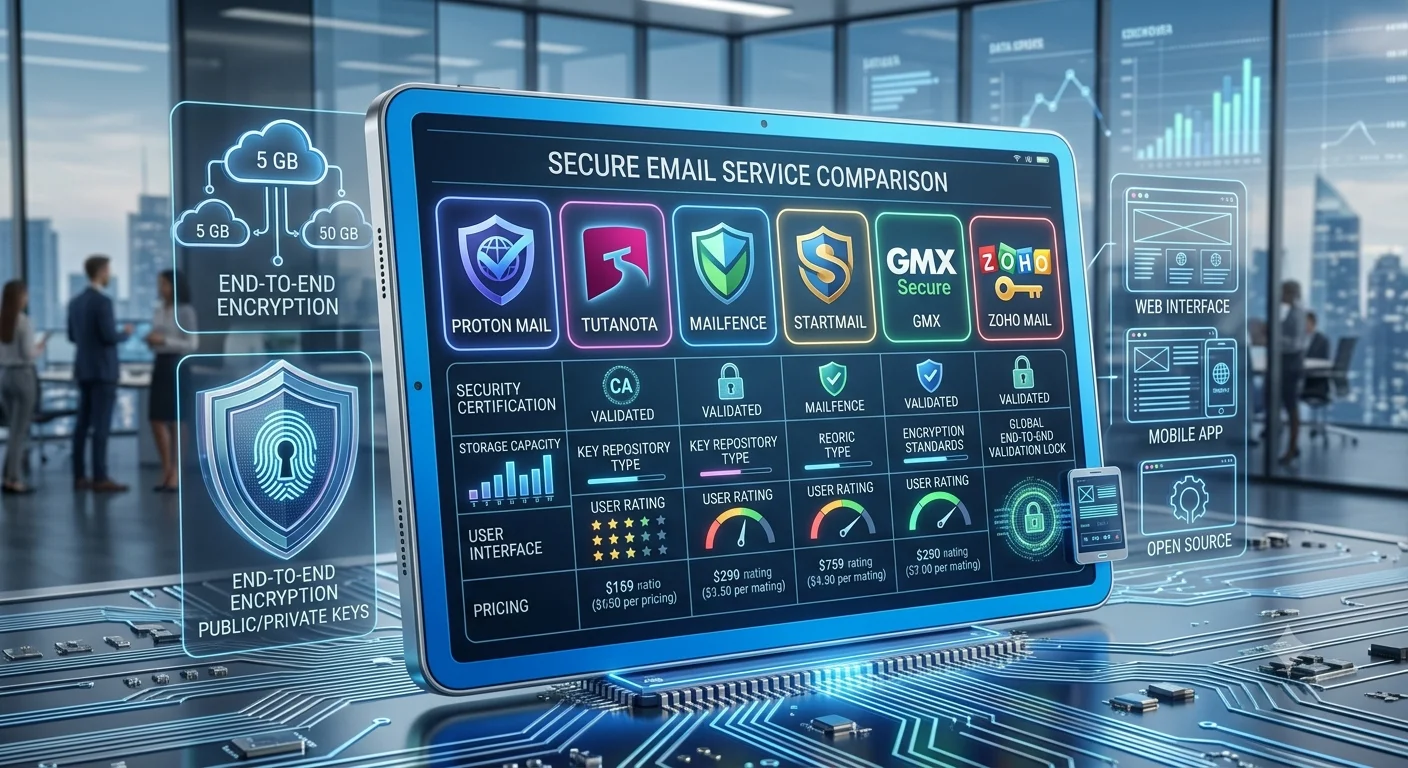
Privacy-First Providers: If you do not want an algorithm reading your mail, look for free tiers from privacy-centric providers (like ProtonMail or Tuta) that offer zero-knowledge encryption, even if it means sacrificing some storage space.
3. Spam Filtering and Security Features
A free email address is useless if your inbox is continuously flooded with junk mail, phishing attempts, and malicious tracking links.
AI-Powered Spam Filters: Top-tier providers use advanced machine learning algorithms to catch spam before it hits your main view.
Two-Factor Authentication (2FA): Never sign up for a service that doesn’t support robust 2FA (via authenticator apps or hardware keys) to secure your account from unauthorized login attempts.
4. User Interface and Ecosystem Integration
Consider how and where you will access your inbox. The user experience can make or break your productivity.
Native Mobile Apps: Make sure the service offers stable, responsive, and ad-free (or low-ad) mobile applications for both iOS and Android.
Ecosystem Integration: If you regularly use digital calendars, task managers, and cloud office suites, opting for a provider that bundles an entire ecosystem together natively can save you substantial daily friction.