
What Is Secure Email? Features and How to Choose
Learn what secure email is, its essential features like end-to-end encryption, and how to choose the right provider to protect your digital communication and data privacy.
What Is Secure Email? Features and How to Choose
Every single day, trillions of data packets are transmitted globally via electronic mail. We rely on emails to manage our financial statements, receive corporate updates, reset our online passwords, and share deeply personal thoughts. Yet, standard email communication operates under structural flaws that leave it vulnerable to interception.
When your email relies on basic configurations, it travels across servers like an open postcard. Anyone along the connection routing path—such as internet service providers, network administrators, or malicious cybercriminals—can theoretically peek inside.
To protect your digital footprint, transitioning to a secure email infrastructure is no longer optional. It is a fundamental requirement. This guide breaks down what secure email actually is, its core technical features, and how to choose the absolute best provider for your workflow.
What Exactly Is Secure Email?
At its core, secure email refers to any email transmission platform that implements robust cryptographic techniques to protect messages from unauthorized access, tampering, or data leaks.
Unlike mainstream providers that read or scan your message text to serve algorithmic advertisements, secure email utilizes specialized protocols to guarantee that only the sender and the designated recipient can read the contents.
Core Technical Features of Secure Email
When evaluating a truly secure email provider, look for these non-negotiable security features:
1. End-to-End Encryption (E2EE)
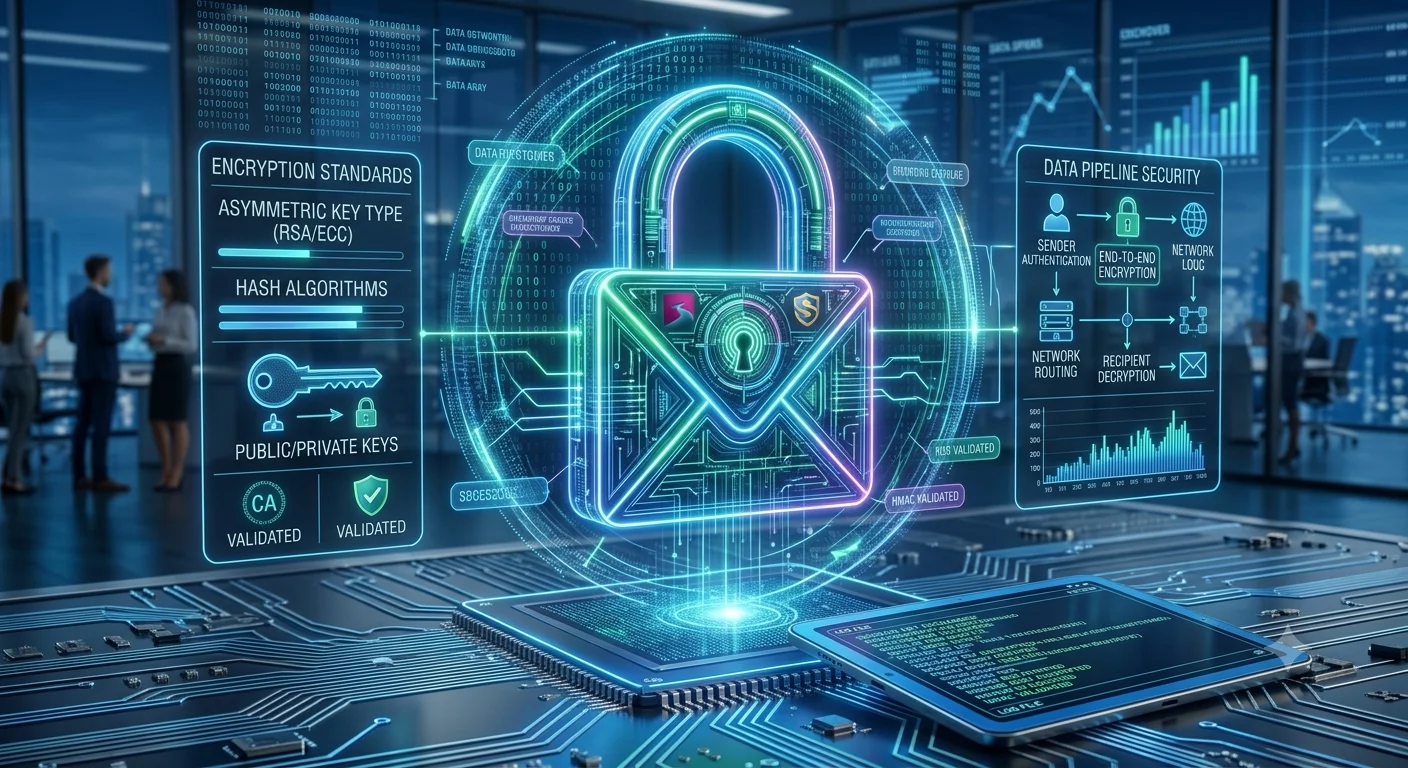
This is the gold standard of digital privacy. With E2EE, your message is encrypted on your local device before it ever leaves. It travels through the internet as unreadable code and is only decrypted when it arrives at the recipient’s device. The email host never holds the keys, meaning they cannot read your text even if subpoenaed by law enforcement.
2. Zero-Knowledge Architecture
A privacy model where the service provider's servers are designed so that they have zero technical ability to access your master password or unencrypt your mailbox data. If you lose your recovery phrase, even the engineers who built the system cannot reset it for you.
3. Two-Factor Authentication (2FA)
Strong encryption means nothing if someone can easily guess your login password. Secure email services force or highly encourage 2FA via time-based authenticator apps (like Google Authenticator) or hardware keys (like YubiKeys) to verify your physical identity during logins.
4. Stripped Metadata (IP Masking)
Standard emails contain hidden technical headers that reveal your precise device IP address and location history to the recipient. Premium secure email providers automatically strip these logs out of outgoing mail to protect your physical location.
How to Choose the Right Secure Email Provider
To find the platform that best matches your lifestyle, grade them against these four crucial pillars:
Jurisdiction & Legal Location: Choose providers located in countries with historic, ironclad privacy legislation (such as Switzerland, Iceland, or Germany) that sit well outside the direct reach of invasive global mass-surveillance alliances.
Open-Source Codebase: Always trust services whose client-side application code is entirely open-source and publicly audited by independent third-party cybersecurity firms. Transparency ensures there are no hidden backdoors.
Cross-Device Synchronization: Ensure the platform offers stable, natively encrypted apps for iOS, Android, and web browsers so you can check your mail safely on the go.
Bridge Capabilities: If you rely on external desktop software like Microsoft Outlook or Apple Mail, verify if the secure host offers an official tool to bridge and decrypt data streams locally into those specific third-party interfaces.